
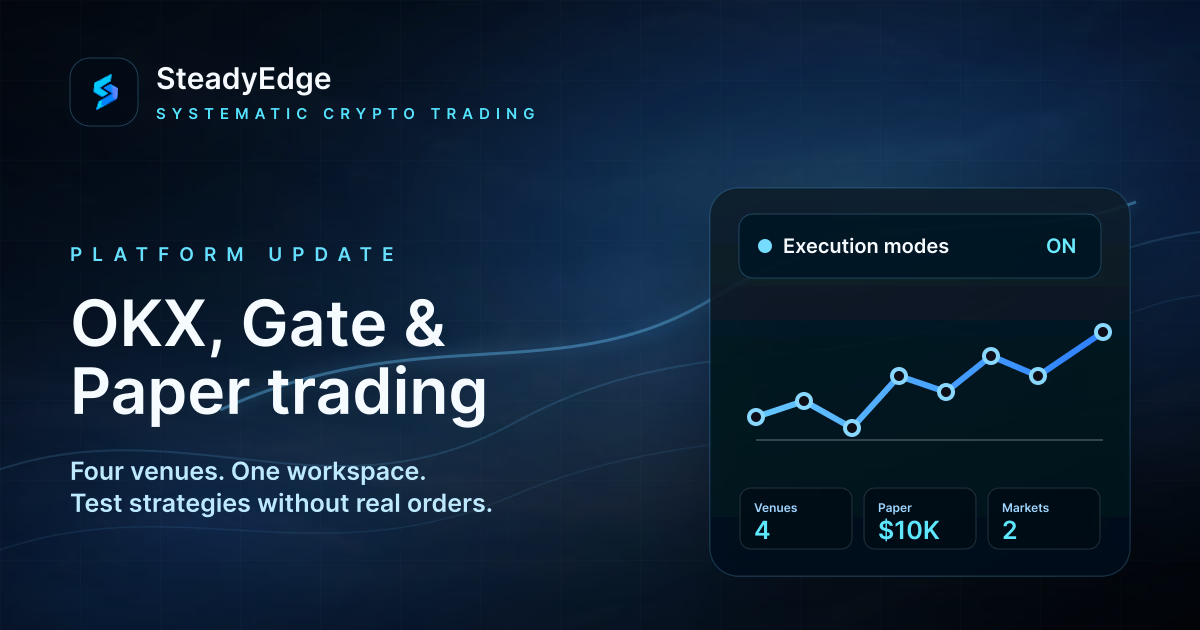
Four exchanges and Paper trading: OKX and Gate are now available in SteadyEdge
SteadyEdge now gives you more freedom to choose both the venue and the way you launch a strategy. OKX and Gate join Binance and Bybit, while the new Paper trading mode lets a bot work with current market data using a virtual balance and without sending real orders to an exchange.
These are not separate, reduced versions of the platform. OKX and Gate support the same core workflow as Binance and Bybit: build a strategy, run a backtest, connect an exchange account, start or stop a bot, review trades, monitor metrics, and receive notifications.
Four exchanges in one workspace
SteadyEdge now supports Binance, Bybit, OKX, and Gate. Every connection is managed in the same section, follows the same validation flow, and becomes available in the bot editor after a successful check.
The strategy itself is not locked to one provider. You still configure the pair, market, direction, position size, entry and exit filters, grid, and risk controls in the same visual builder. The execution venue changes; the workflow does not.
Select Add key to see all four venues in the exchange selector.
OKX: Spot and Futures in the familiar workflow
When connecting OKX, choose the product and environment, select the account region — Global or EEA — and enter three credentials: API key, secret, and the separate API passphrase.
After validation, the OKX account can be selected in the bot editor just like a Binance or Bybit account. From there, the regular workflow remains available: configure the strategy, run a backtest, launch the bot, monitor its status, and review the result.
The key only needs read and trading permissions. SteadyEdge does not use withdrawal access, so it should remain disabled.
Gate: the same complete path from idea to execution
Gate is also available for supported spot and futures strategies. To connect it, provide an API key and secret, then let SteadyEdge validate the selected product, environment, and trading permissions.
A connected Gate account uses the same operating workflow: bots share the standard strategy and risk settings, trades appear in the journal, and results are available in metrics and notifications.
Gate Testnet supports Spot and USDT Futures. The same supported products are available in the main environment.
Paper trading: live markets without real orders
The second major addition is Paper trading. It runs the bot on current mainnet data but uses virtual funds. No exchange API key is required, no real orders are created, and funds in your exchange account remain untouched.
In the editor, select Paper , then choose the exchange and market type that will provide the market data. The mode is available for supported Binance, Bybit, OKX, and Gate Spot and Futures markets.
The strategy remains a real SteadyEdge configuration with the same filters, grid, position management, and risk controls. This makes Paper trading a useful step between a historical backtest and a launch on a real exchange account.
How execution is simulated
Paper trading does more than change numbers in the interface. The platform maintains a separate virtual account and simulates orders from market data:
- buys use the available ask price and sells use the bid;
- a small adverse slippage is applied to the execution price;
- market orders fill immediately at the simulated price;
- limit orders wait until the market crosses their price;
- virtual trading fees are included;
- funding is included for futures positions.
The model is intentionally conservative, but it does not reproduce the full order book, queue position, partial fills, network latency, or real exchange liquidity. Paper trading helps test strategy logic and operating discipline, but it cannot guarantee an identical live result.
Virtual account and activity history
Each user gets a separate Paper account with a starting balance of 10,000 USDT . Open Profile → Paper trading to see available and reserved funds, virtual assets, the paper-bot limit, and account activity.
You can also convert virtual USDT into a base asset. This is useful, for example, with a Base Accumulation spot strategy that sells the base coin first and then buys it back.
The account can be reset to 10,000 USDT only after every paper bot is stopped and there are no open virtual positions or orders. The previous account is archived rather than silently erased.
A safer launch path
The updated workflow can be used step by step:
- build a strategy in the visual editor;
- test it on historical data;
- launch the same configuration in Paper trading;
- observe how the bot behaves in the current market;
- review trades, notifications, and risk settings;
- only then connect Binance, Bybit, OKX, or Gate for real execution.
A backtest shows how the rules behaved over a selected historical period. Paper trading shows how the same process behaves now without putting capital at risk. Live trading remains a separate, deliberate step.
The main idea behind this update is simple: more choice without a more complicated interface, and more ways to test a strategy before real trading .
Backtests and Paper trading do not guarantee future returns and cannot reproduce every condition of real execution. Cryptoasset trading involves significant risk.